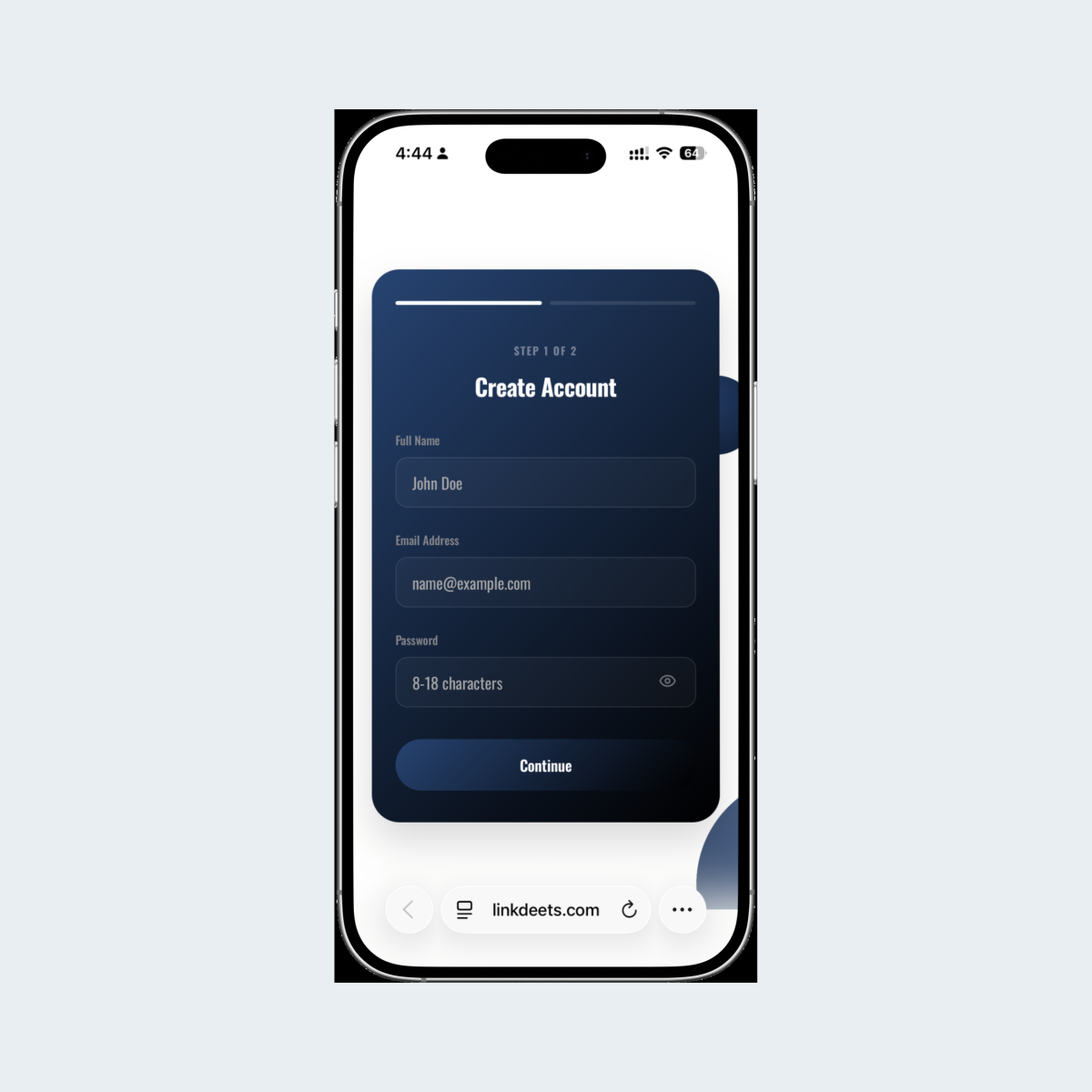
Set Up Your Profile
On your first tap, you’ll be prompted to set up your profile. Once completed, you can access your account admin to fully customize your digital profile.
Share your details, showcase what you do, capture new connections and keep your information up to date, all with one simple tap.
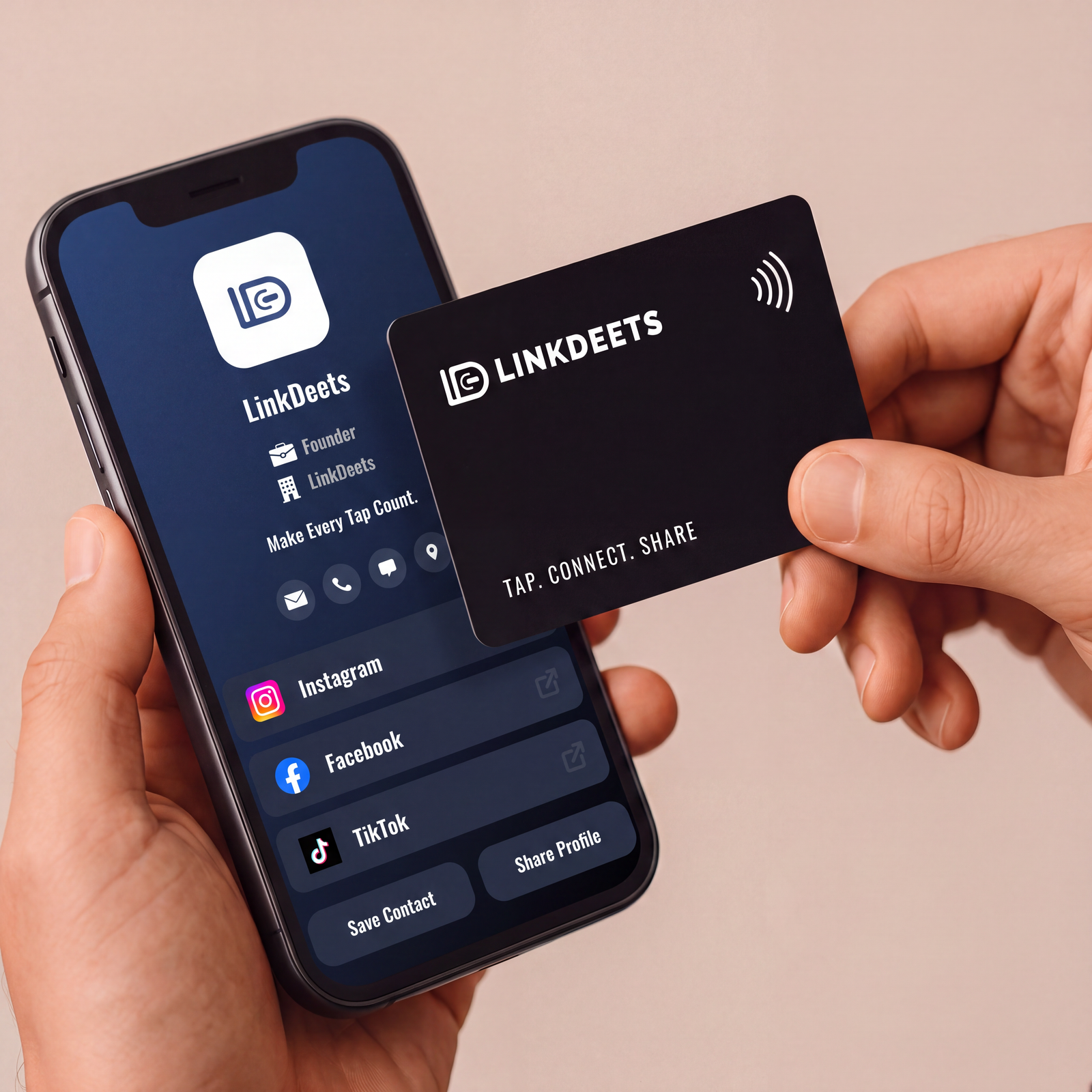
On your first tap, you’ll be prompted to set up your profile. Once completed, you can access your account admin to fully customize your digital profile.
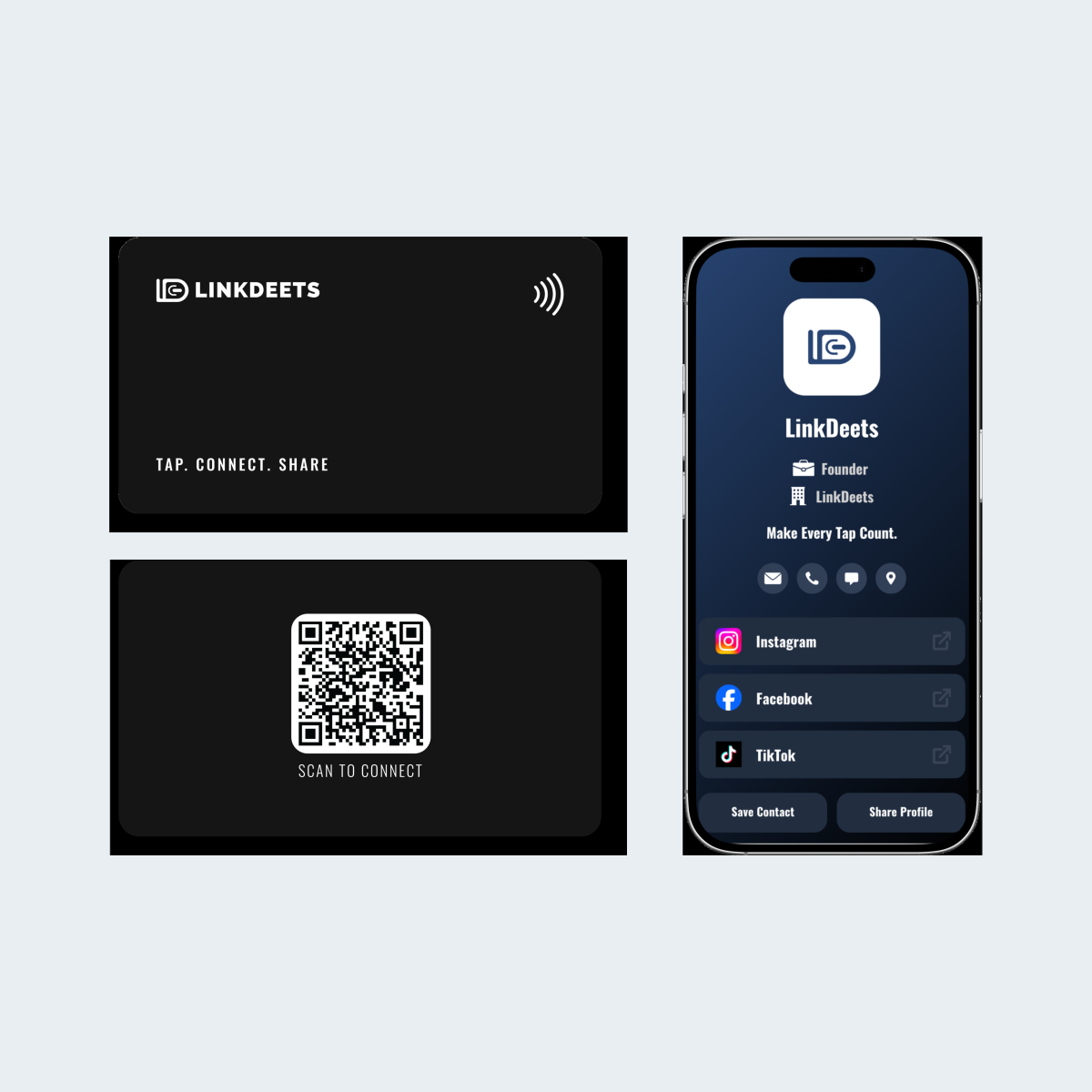
Simply tap your LinkDeets card on any phone to instantly share your digital profile. A QR code is also available on your card as a backup.
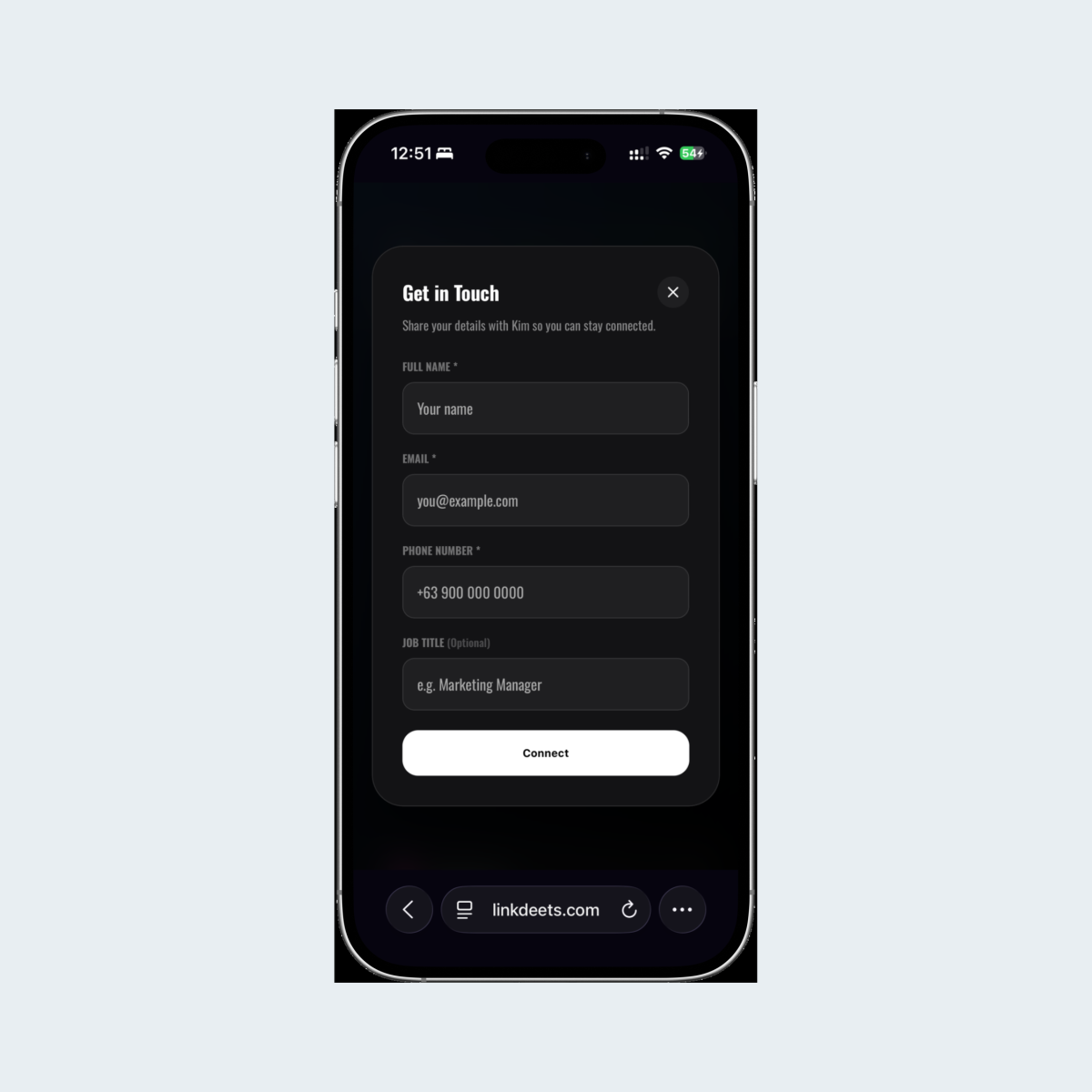
A Lead Form will appear to capture their details. Once submitted, they can access your social media links, uploaded files and contact details, which they can save directly to their phone.
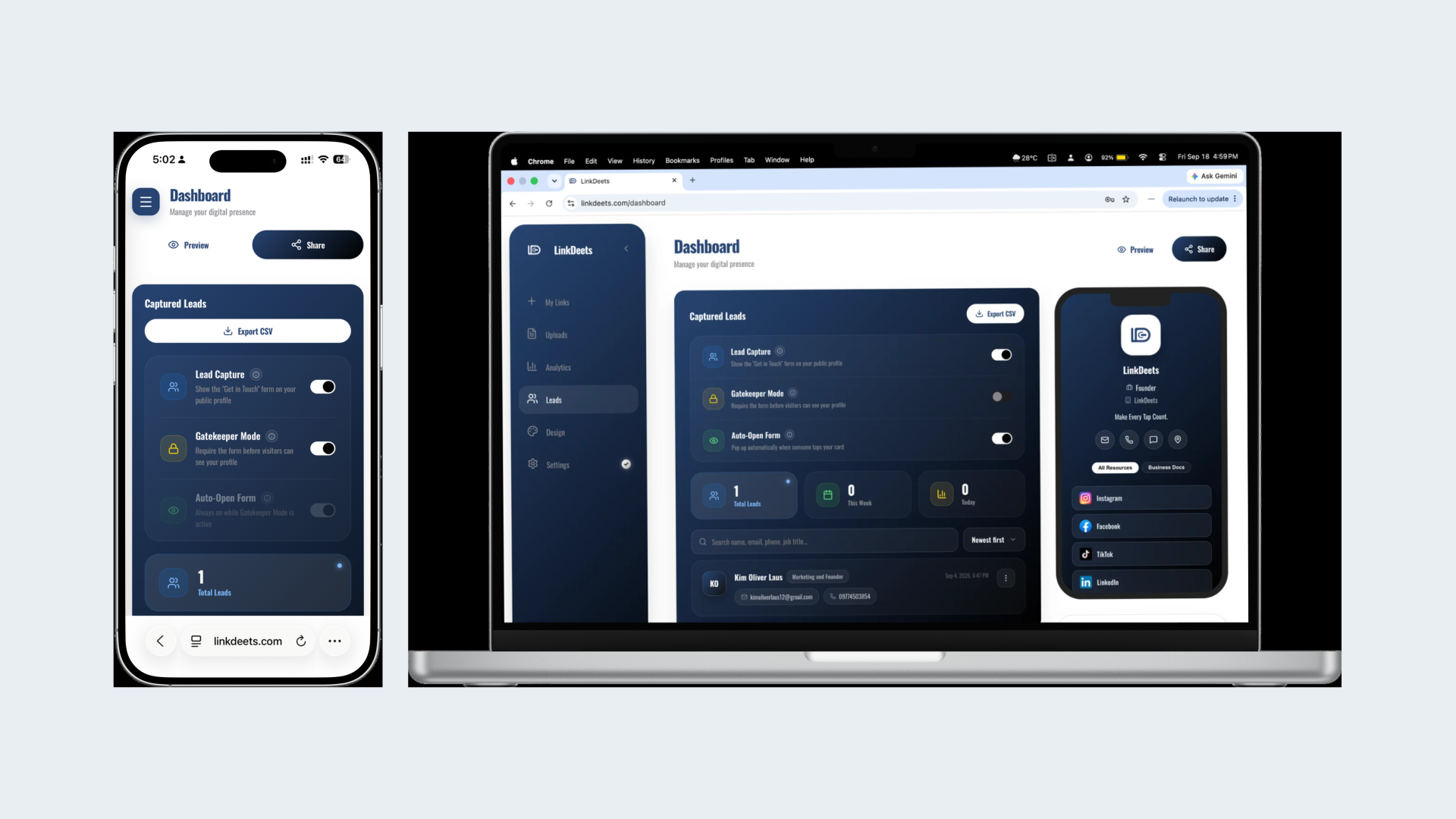
Their details appear in your Lead Dashboard so you can reach out to them, while they can click your social links to connect or follow you.
Set up once
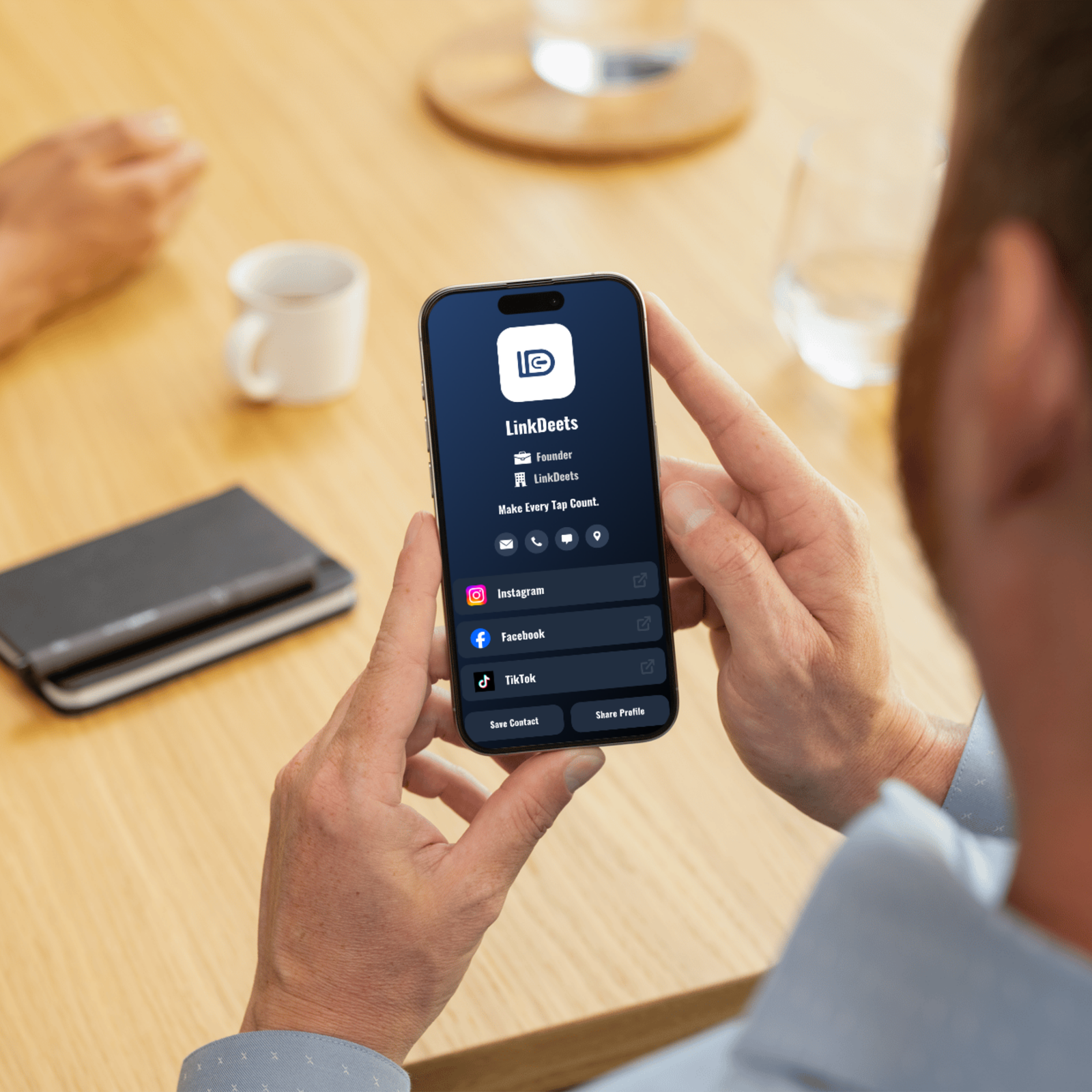
Set up your digital profile once and add the details that matter to you. Contact information, social links, websites, files and more can all be managed from your account.
Choose your card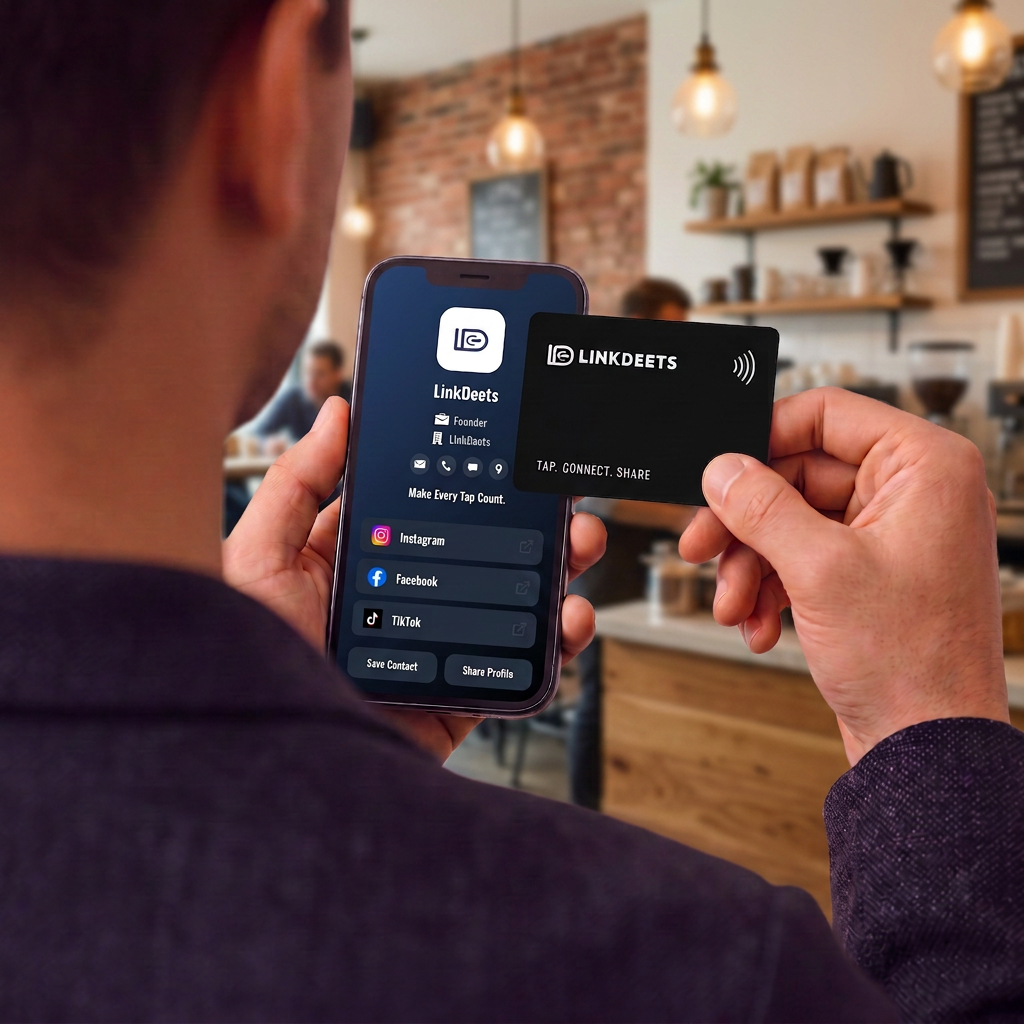
Stay current
Update your profile whenever something changes and your LinkDeets card stays up to date. No need to replace the card or print anything new. Just make the change and keep sharing.
Questions? Talk to us